



FAQ – Paying with the StudiPlus²® App
Questions & answers about using the app, registration, balances, and app payments.
Invisible Accordion
How long is my verified status valid?
How do I register?
Register with your email address and create a personal password. You will then receive a confirmation email. Click the link in the email to complete your registration.
How do I verify my student or staff status?
After registration, you will initially be assigned “Guest” status automatically.
- Open your “Digital ID” on the home screen.
- Select “Check status.”
- Log in using your university credentials.
- Once your status has been successfully verified, it will be updated automatically.
How do I pay with the StudiPlus²® App?
Open the payment function in the app (the QR code button in the center of the menu bar at the bottom). Then scan the QR code displayed at the payment terminal.
The amount is deducted directly from your app balance. You can see your current balance on the home screen.
Where can I pay with the app?
You can currently use app payments on the University and DHBW Mannheim campuses.
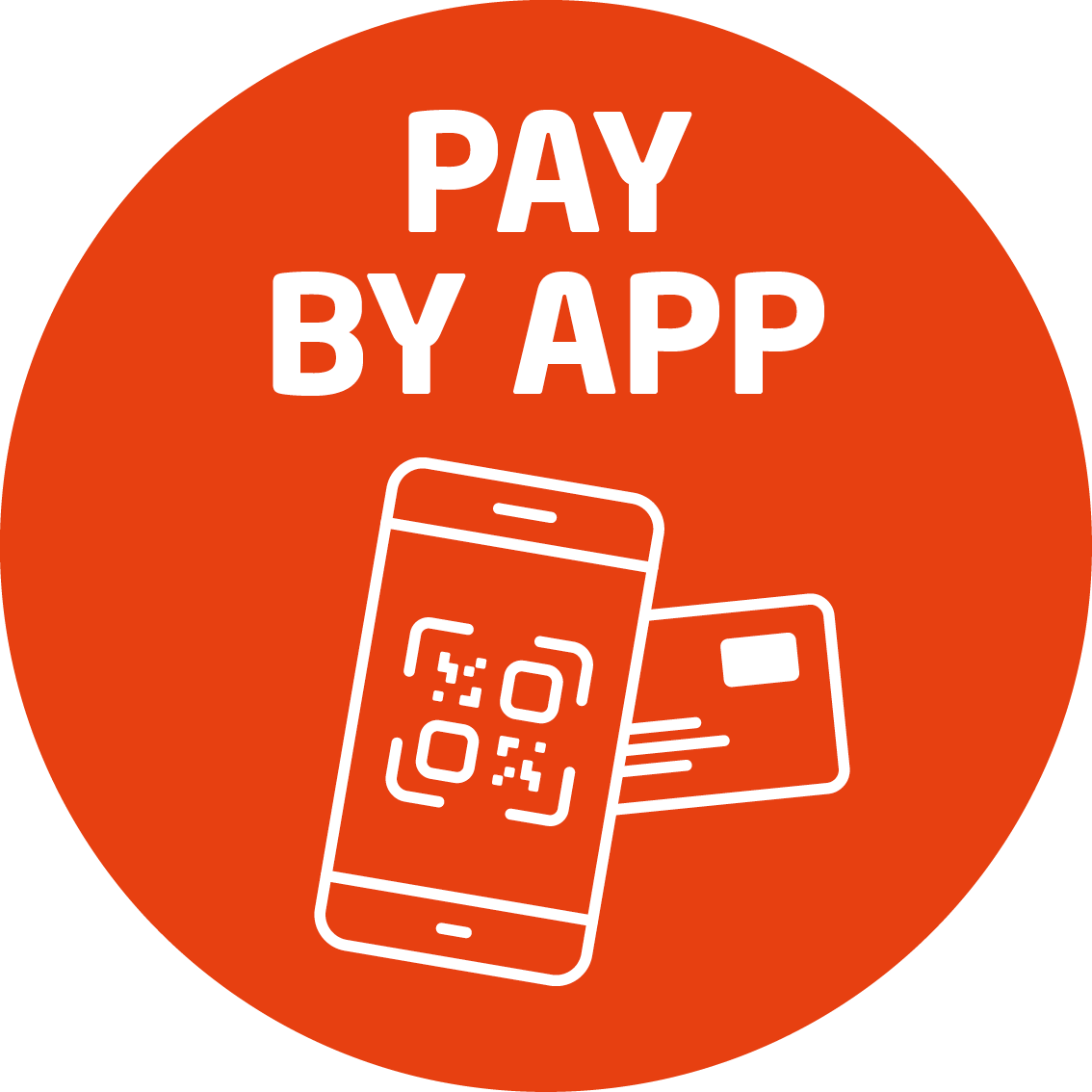 Look for this symbol: It shows you which registers and machines accept app payments.
App payments are initially being introduced as part of a pilot phase. Once the pilot phase has been successfully completed, app payments will gradually be rolled out to other Studierendenwerk facilities.
How do I top up my app balance?
You can top up your balance directly in the StudiPlus²® App. Select the top-up function and then choose SEPA top-up.
The amount will then be available for payments with the app.
Important: Your app balance and card balance are separate. Adding funds in the app does not change the balance on your chip card – and vice versa.
What is the maximum balance I can have in the app?
The maximum balance in your app account is €150. You can top up multiple times a day.
How can I get a refund of my card balance?
Please bring your mobile device to one of our service points.
What should I do if my app access is blocked due to an outstanding payment?
When you add funds using Autoload, the amount is debited from your linked bank account at a later date. If the direct debit cannot be processed, an outstanding payment will remain. Additional fees may also apply for the failed direct debit.
You can pay the outstanding amount in cash at one of our service points. Your app access can then be unblocked.
Please do not transfer the amount again.
Do I still need my chip card?
Yes, we recommend that you continue to carry your chip card with you.
Wherever app payments are not yet available, you can pay with your chip card. It continues to work at all Studierendenwerk Mannheim facilities.
Why wasn’t my status verified?
Verification may fail, for example, if your university was unable to confirm your student status or if you were unable to log in successfully through your university.
Why am I shown as a “Guest”? / How do I get student/staff prices?
After registration, your account is initially set up automatically with “Guest” status. No verification is required for this status.
As a guest, you pay an 80 percent surcharge at our dining halls and cafeterias.
Students and staff should therefore verify their status to receive the prices that apply to their user group.
Staff members and students from a non-participating public university can have their status verified in person at the Infothek in Mensaria am Schloss. Please bring appropriate proof of your status.
How do I link my chip card to the app?
Open the “Chip card” section in the app and enter your chip card number and PIN.
Important: Linking your chip card does not combine your app balance and card balance. They remain separate.
Linking your chip card also allows you to view all your Coffeeload® stamps in one place in the app.
What happens if I lose my phone?
Can I use the app on multiple phones?
Yes. You can use app payments on multiple devices at the same time.
What can I do with Washload®?
Which languages are available in the app?
The StudiPlus²® App is available in multiple languages. You can select your preferred language under Profile → Language.
Do you have any other questions about StudiPlus²® App?
Feel free to email us at studiplus@stw-ma.de or call us at 0621 49072-777.